
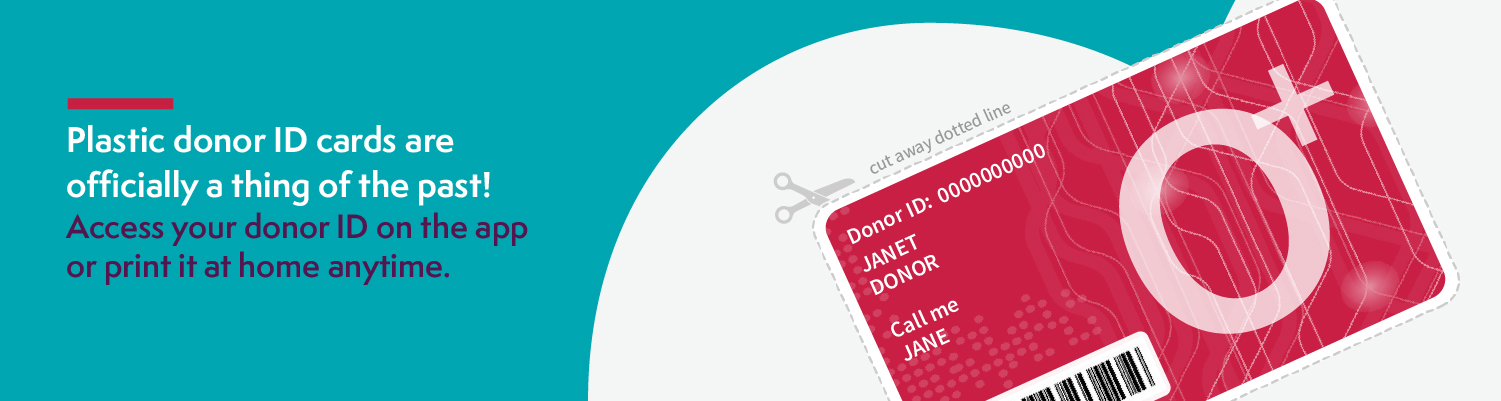
We’re Updating Our Donor IDs — Here’s What to Know
As of January 20, we have undergone a planned technology upgrade. As part of this update, all Donor IDs have been converted to a new 8-digit ID number.
Your donor account, donation history, and personal information remain safe and unchanged. Your new 8-digit Donor ID can be found in the donor portal. It is available digitally through the SBC mobile app (recommended), or you can print a free ID card at home if you prefer by ordering a copy from the Donor Loyalty Store. We have now discontinued plastic ID cards.
WHERE TO FIND YOUR NEW DONOR ID
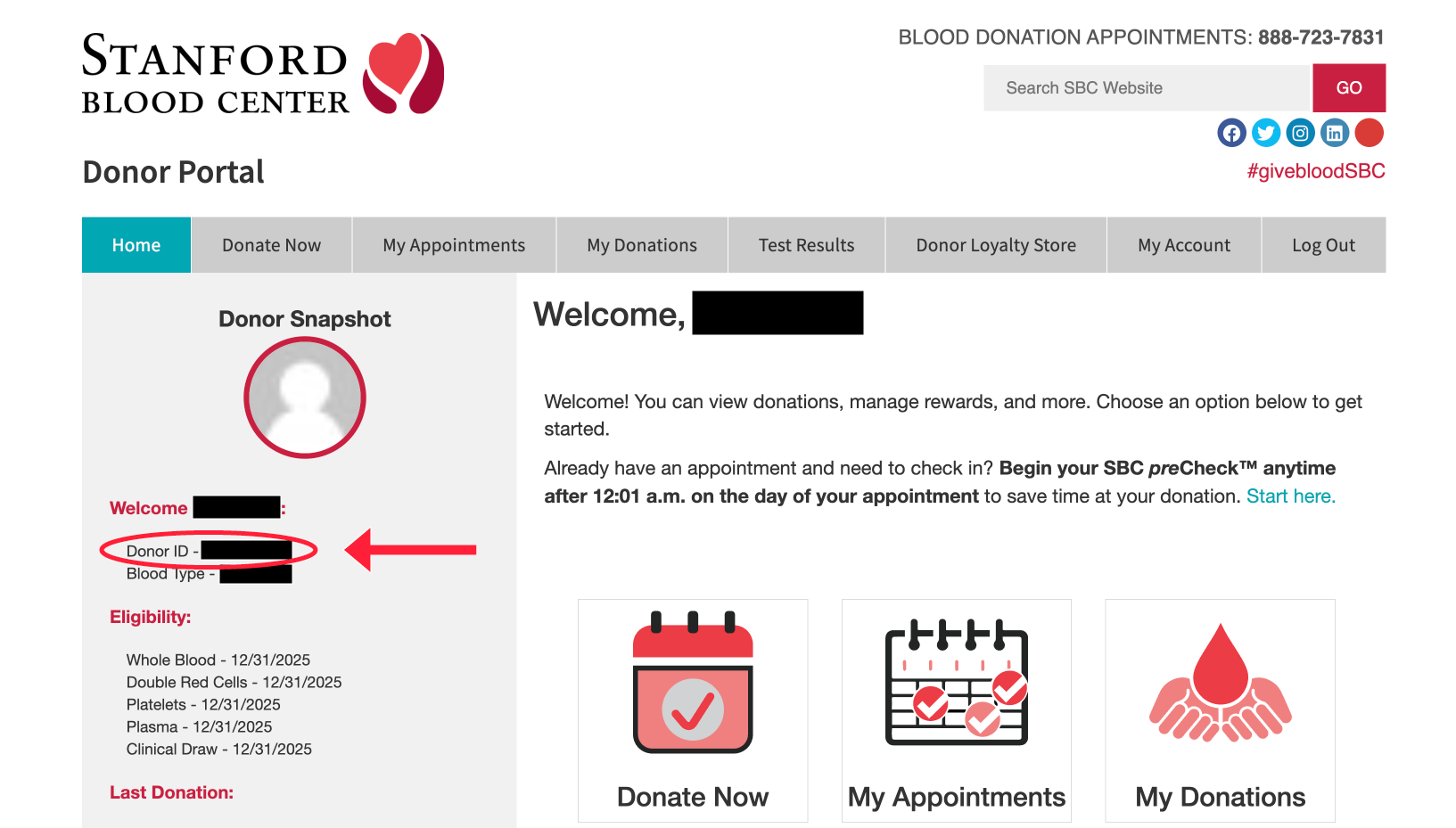
On the Donor Portal website
- Log in to sbcdonor.org
2. Your new Donor ID will display in the left sidebar on desktop screens.
3. For mobile users (phones and tablets), visit the “My Account” tab in the menu. Your Donor ID displays about halfway down the list.
On the mobile app
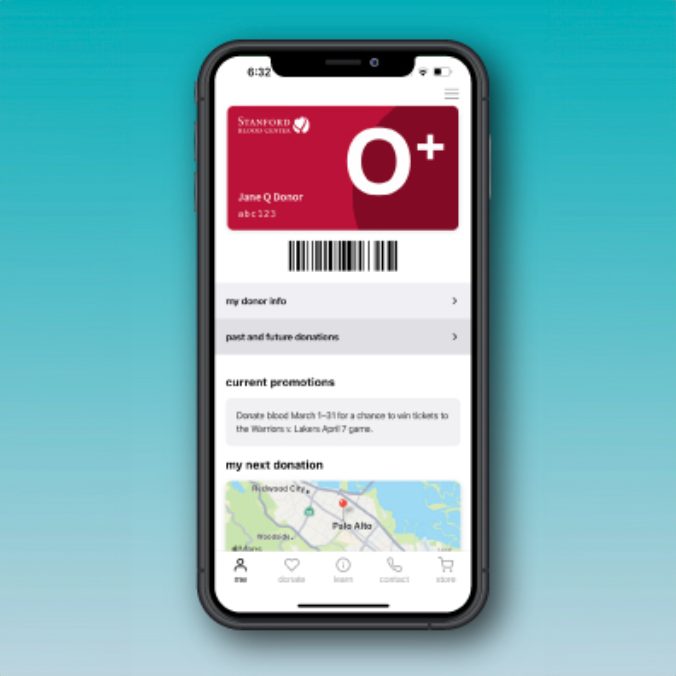
- Download the Stanford Blood Center app from your mobile app store (find direct links at https://stanfordbloodcenter.org/app). Please note that the app is currently for iPhone and Android phones only (not optimized for tablets).
- Your Donor ID will be displayed on the “Me” tab.
PRINTING YOUR DONOR ID FROM HOME
On the Donor Portal website
- Log in to sbcdonor.org
- Click the Store tab and order from the Donor Loyalty Store for 0 points
- Check your email for a printable PDF with your Donor ID card
On the mobile app
- Download the Stanford Blood Center app from your mobile app store (find direct links at stanfordbloodcenter.org/app). Please note that the app is currently for iPhone and Android phones only (not optimized for tablets).
- Visit the “Shop” tab.
- Add the Donor ID card to your cart for 0 points and check out.
Questions? Reach out to our team at support@stanfordbloodcenter.org.